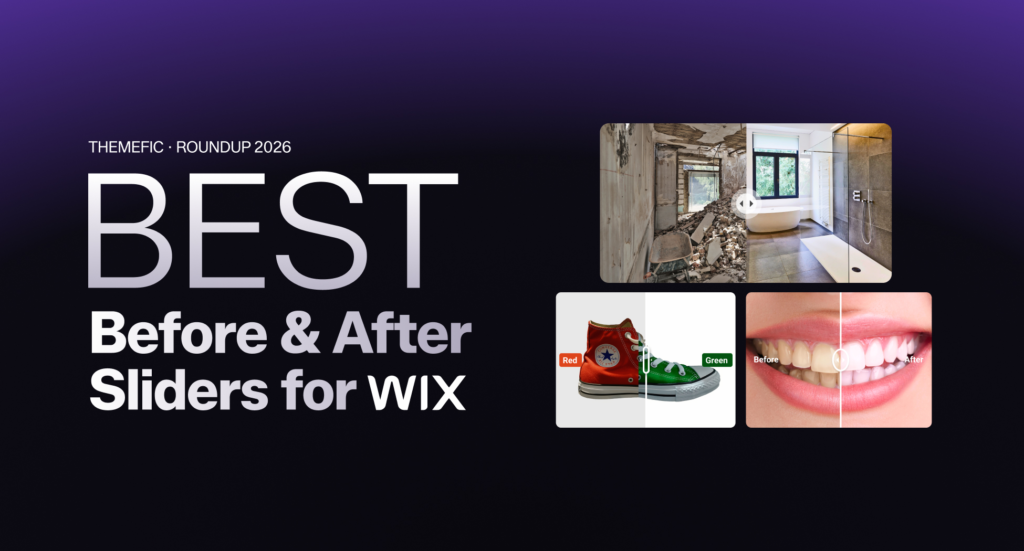
Before After Image Slider Apps for Wix are still one of the most effective ways to showcase transformations, build trust with visitors, and increase conversions without writing a single line of code. Whether you run a beauty salon, photography studio, home renovation business, or fitness brand, the right image comparison slider widget can help boost engagement on your Wix site.
The Wix App Market has changed a lot over the past year. Several new before and after slider Wix apps have launched, some older apps changed hands, and pricing models have been updated. In this refreshed roundup, we re-tested and compared the top 5 before and after image slider apps available in the Wix App Market right now, covering features, pricing, ease of use, and best use cases, with a direct link to each listing so you can confirm availability yourself.
What is a Before After Image Slider for Wix?
A before after image slider for Wix (also called an image comparison slider Wix or before and after photo widget) lets visitors drag a handle left or right to reveal two images layered on top of each other. It is an interactive element that replaces static side-by-side images with a far more engaging experience.
On a Wix website, these sliders are installed as apps from the Wix App Market, no coding required. They work across Wix Editor and Wix Studio, and most are fully responsive for mobile devices.
Popular use cases for before and after sliders on Wix:
- Beauty salons and skincare brands showing treatment results
- Photographers showcasing photo editing transformations
- Home renovation and interior design portfolios
- Fitness coaches displaying client body transformation results
- Dentists and medical aesthetics clinics showing procedure outcomes
- Real estate websites comparing renovated vs original spaces
Quick Video: Best Comparison Slider Apps for Wix
Quick Comparison: Best Before After Slider Apps for Wix
| App | Free Plan | Starting Price | Wix Studio Compatible | Best For | Action |
|---|---|---|---|---|---|
| Before After Image Slider | No | $4.99/m | Yes | Overall Comparison Slider | Click Here |
| Elfsight Before & After Slider | Yes (200 views/mo) | ~$6/mo | Yes | Most versatile | Click Here |
| Before and After Slider (App Holdings) | Yes | Paid tiers | Yes | Most reviewed native app | Click Here |
| Before and After Slider Plus | No | Paid only | Yes | Pros, clinics, dark mode | Click Here |
| FlipView: Before & After Slider | Yes | Paid tiers | Yes | Animations & handle icons | Click Here |
| Image Slider Compare (iView Labs) | Yes | Paid tiers | Yes | No-config Media Manager setup | Click Here |
Top 5 Before After Image Slider for Wix
1. Before After Image Slider (by IXZEO)
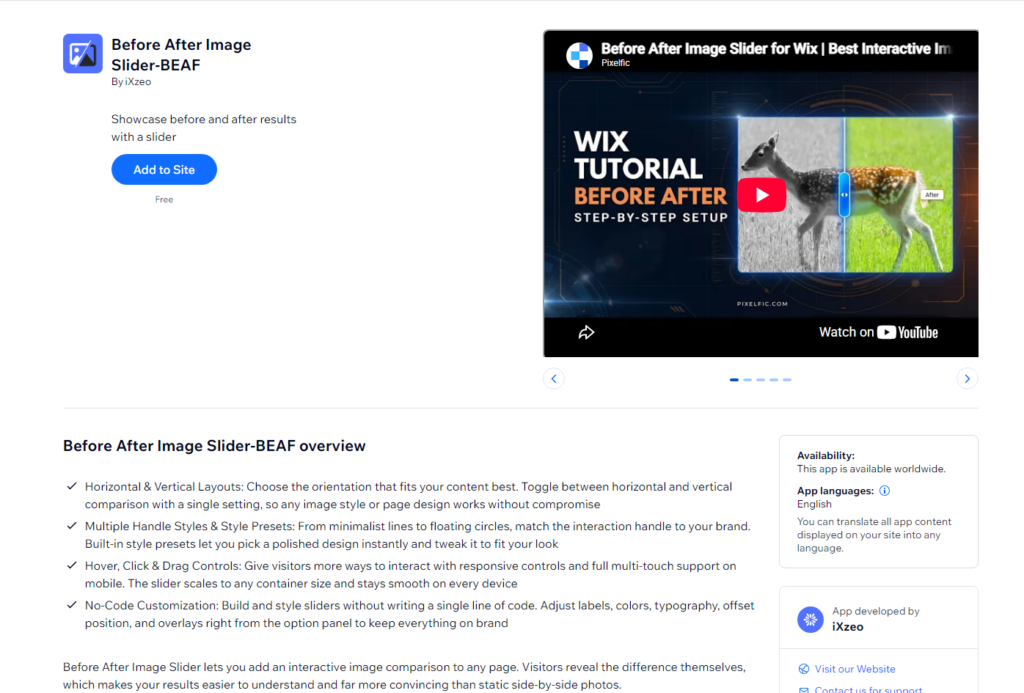
Before After Image Slider by IXZEO is built specifically for Wix, with a focus on clean performance and brand-accurate customization rather than a generic cross-platform widget bolted onto Wix. It supports both horizontal and vertical layouts, multiple handle styles from minimalist lines to floating circles, and default offset control so you can set which part of the comparison visitors see first. Overlay labels help guide visitors through what changed, and hover, click, and drag interactions are all supported out of the box for mobile and desktop.
The app ships with built-in style presets for fast setup, plus full customization of colors, typography, and label positioning to match your site design. There’s no free plan, but pricing is straightforward: $4.99/month, $49.99/year, or a $99.99 lifetime plan, all covering unlimited sliders on one Wix website with priority support. It’s aimed at freelancers, agencies, and Wix designers building transformation-based sections for clients, not just single-site hobbyists.
Pros
- Purpose-built for Wix (not a repurposed multi-platform widget)
- Unlimited sliders per site, no performance drop-off
- Default offset control to highlight the most dramatic change
- Multiple handle styles and ready-made presets
- Lifetime plan option, unusual in this category
Cons
- No free plan to test first
- Single-site license per plan
- Newer to the Wix App Market, smaller review base than App Holdings
Best for: Wix designers and agencies who want a slider built and maintained specifically for Wix, with the option to buy once and skip recurring fees.
2. Elfsight Before & After Slider
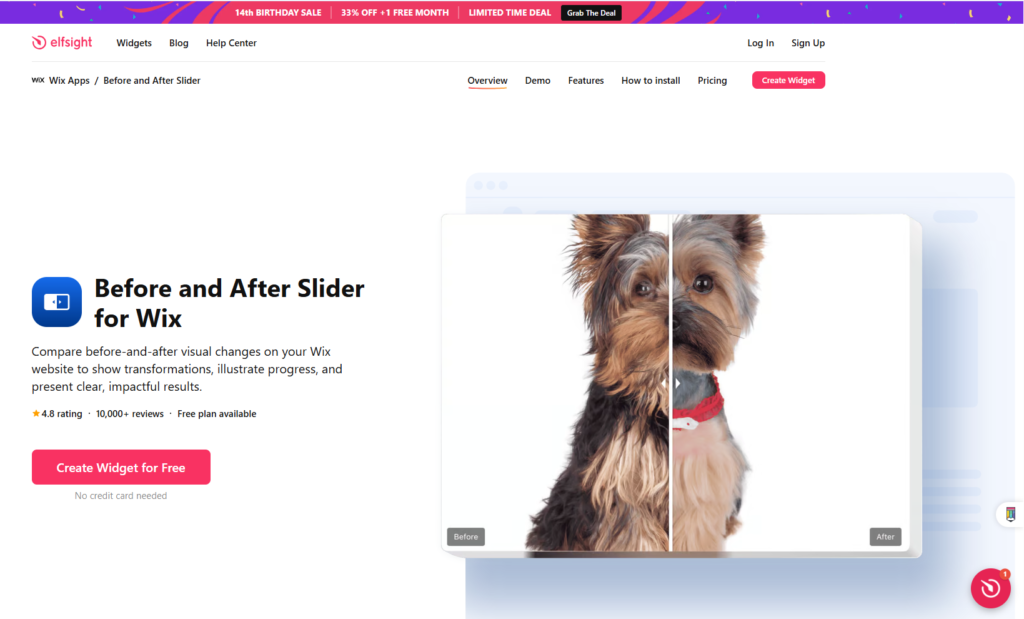
Elfsight remains the most polished and feature-rich image comparison slider for Wix in 2026. It supports unlimited before after image slider for Wix pairs, each with its own caption and label, plus horizontal or vertical divider orientation and a custom default handle position to control first impressions.
It works across Wix Editor and Wix Studio, and Elfsight now connects to 80+ apps and most major builders. The free Lite plan is capped at 200 views per month and shows Elfsight branding; paid plans start around $6 per month. A standout feature is that captions support hyperlinks, so you can send visitors straight to a product or service page, which most competitors still skip.
Pros
- Unlimited image pairs
- Horizontal and vertical dividers
- Drag, click and hover modes
- Caption links for clear calls to action
- Works on Wix, WordPress, Shopify, Webflow and more
Cons
- Free plan view limit is low (200/mo)
- Branding shown on the free tier
- Per-app pricing adds up at scale
Best for: Wix users who want a reliable, full-featured before and after slider Wix widget that works across every editor version and supports interactive divider modes.
3. Before and After Slider (by App Holdings)
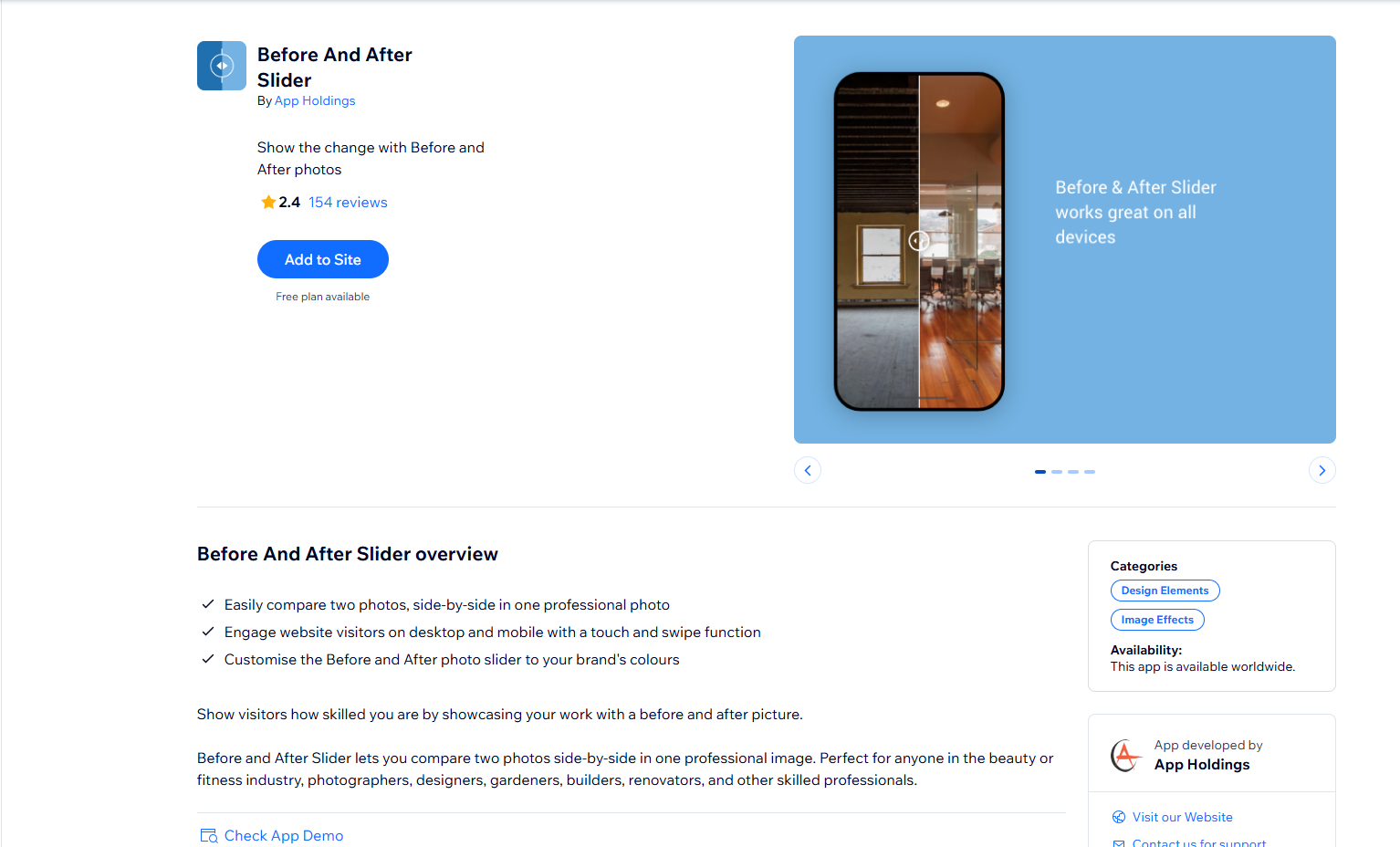
This is the most-reviewed native before and after slider in the Wix App Market, with 150+ reviews as of 2026. It lets you compare two photos side by side in one professional image and customize the slider to your brand colors, making it popular with beauty, fitness, photography and renovation professionals.
It is easy to install with no code and renders well on desktop and mobile. One honest caveat: some recent reviews in early 2026 reported temporary loading issues across multiple pages, which the developer has responded to. Check the latest reviews on the listing before committing, since reliability matters most for a customer-facing widget.
Pros
- Most-reviewed native Wix slider
- Brand color customization
- Free plan to test
- Code-free setup
- Strong fit for service businesses
Cons
- Some 2026 reviews report loading issues
- Fewer advanced layout modes than Elfsight
- Support response time varies by report
Best for: Wix users who want a widely-adopted, brand-matched before and after comparison tool and are comfortable checking recent reviews first.
4. Before and After Slider Plus
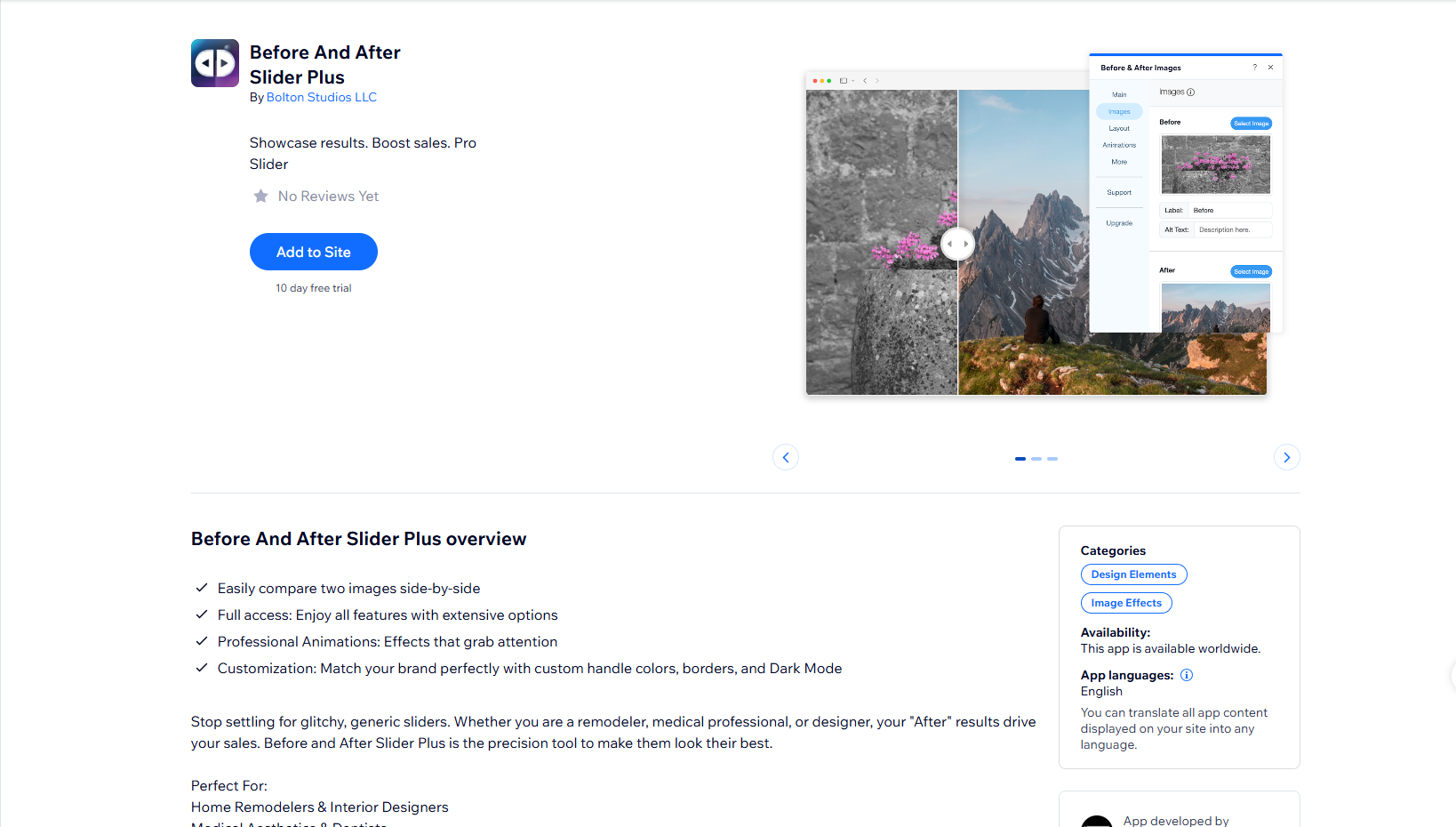
Before and After Slider Plus is a precision tool aimed squarely at professionals: home remodelers and interior designers, medical aesthetics providers and dentists, photographers and retouchers, and automotive detailers. Its pitch is simple: your After result drives sales, so the app gives you the controls to make it look its best.
Key features include fully custom handle colors, border styles, and a native Dark Mode, making it one of the few Wix before after sliders that suits dark-themed layouts. All content can be translated for multilingual Wix sites, useful for international businesses. There is no free plan, so it is best for established businesses ready to invest in their visuals.
Pros
- Built for professional verticals
- Native dark mode support
- Full multi-language translation
- Detailed handle customization
Cons
- No free plan offered
- Smaller user base than top apps
- Niche positioning, not all-purpose
Best for: Medical, dental, renovation, and photography businesses on Wix that need a professional-grade slider with dark mode and multilingual support.
5. FlipView: Before & After Slider
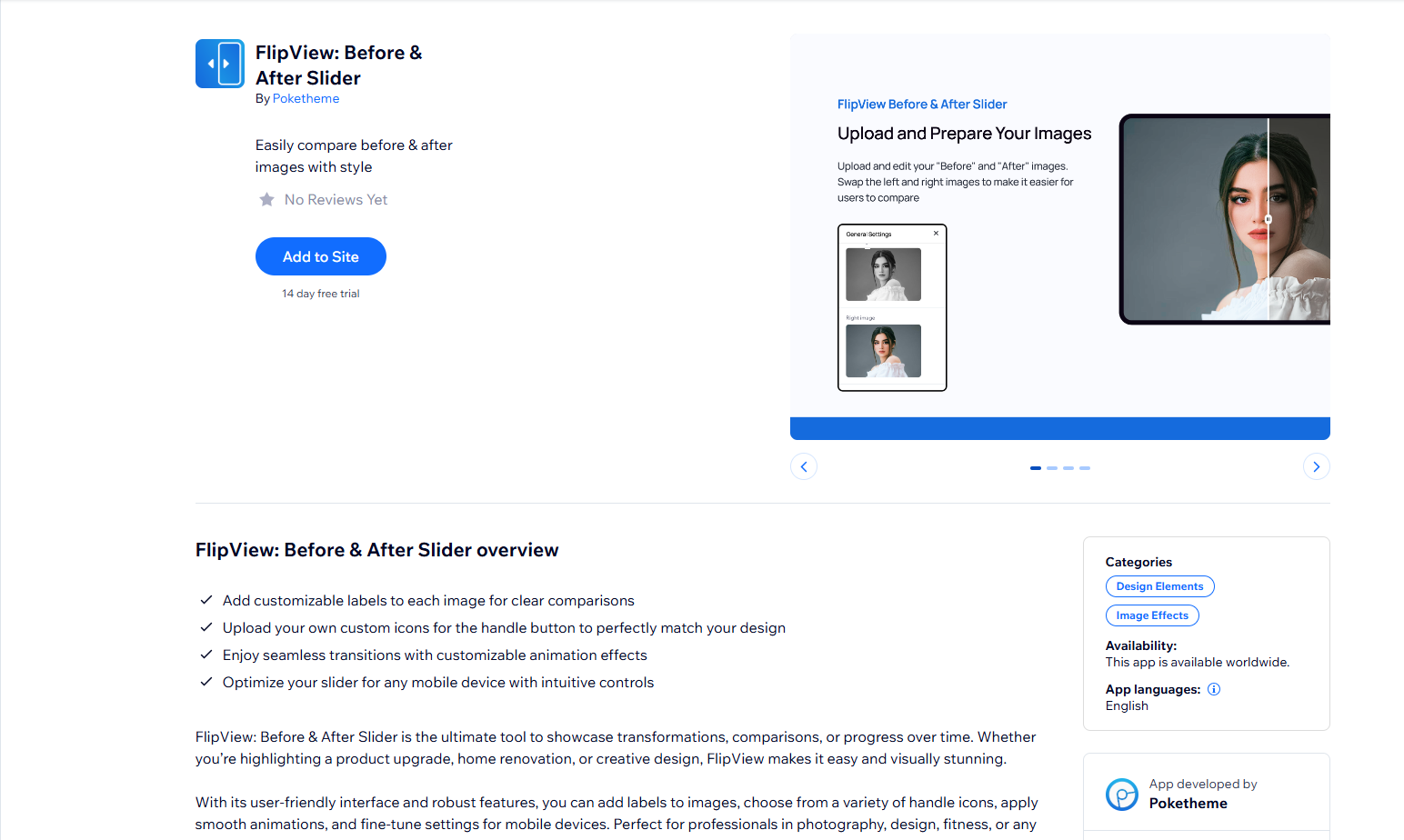
FlipView is one of the newer before and after slider apps to gain traction in the Wix App Market, and it focuses on modern presentation. You can add labels to each image, choose from a variety of handle icons, apply smooth animations, and fine-tune settings specifically for mobile devices.
Its user-friendly interface makes it a strong pick for photographers, designers, fitness coaches, and any visual storytelling brand that wants a slider that looks contemporary out of the box. The animation and handle-icon options give it more personality than the average comparison widget without requiring custom CSS.
Pros
- Multiple handle icon styles
- Smooth animation options
- Per-image labels
- Strong mobile fine-tuning
- Free plan to start
Cons
- Newer app with fewer long-term reviews
- Fewer integrations than Elfsight
- Advanced features may sit behind paid tiers
Best for: Wix users who want a modern, animated before after slider with customizable handle icons for a polished, on-brand look.
Frequently Asked Questions
Can I add a before after image slider to Wix for free?
Yes. Elfsight, the App Holdings slider, FlipView, and Image Slider Compare all offer free before after slider Wix. Free tiers usually limit monthly views (around 200 to 300) and may display the provider’s branding. For a commercial website with meaningful traffic, a paid plan is recommended.
Do these before after slider apps work on Wix Studio?
Yes. All five apps in this 2026 list are compatible with Wix Editor and Wix Studio. Always confirm compatibility with your specific editor version in each app’s Wix App Market listing before installing, as features can differ by version.
Is a before after image slider good for SEO on Wix?
Directly, the images inside JavaScript-based sliders may not always be indexed by Google. However, before and after sliders improve user engagement metrics such as time on page, scroll depth, and interaction rate, which are positive indirect SEO signals. Add descriptive alt text wherever the app allows it.
Which before after image slider is best for a beauty salon Wix website?
The App Holdings Before and After Slider is a strong pick for beauty salons thanks to brand color customization and its large review base, with Elfsight a close second for its extra interactive divider modes and caption links.
Do Wix before after sliders work on mobile?
Yes. All five apps are fully responsive and mobile-friendly, with touch-drag interaction on smartphones and tablets. That matters because a large share of Wix website visitors browse on mobile devices.
Final Verdict
If you need the most feature-complete before and after image slider for your Wix website in 2026, Elfsight is the top overall choice, covering every use case with multiple interaction modes and cross-platform support. For the most widely adopted native option, the App Holdings Before and After Slider has the largest review base, though it is worth scanning recent reviews first.
For professional service providers and dark-themed sites, Before and After Slider Plus delivers precision and multilingual support. If you want a modern, animated look with custom handle icons, FlipView is the standout. And if speed and simplicity matter most, Image Slider Compare by iView Labs gets you live in seconds with native Media Manager integration.
Ready to add an image comparison slider to your Wix website? All five apps are in the Wix App Market, and most offer a free plan to test before you commit. Start with Elfsight or the App Holdings slider for the best balance of features and ease of use.
Check our other blogs.
Help us grow by sharing this Post!