A well-designed Webflow site looks great, but design is only half the job. The real work starts the moment someone submits a form, becomes a lead, or triggers the next step in your workflow. That is wherethe best automation Webflow apps come in, and by 2026, the Webflow Marketplace will have grown into a genuine ecosystem of tools built to handle exactly that, from form routing to CRM syncing to full multi-app workflows, all without touching a line of code.
In this roundup, we rank the top 8 automation Webflow apps for 2026, led by Formfic, a form automation app made specifically for Webflow, followed by seven more tools that fill out a complete automation setup.
Quick Answer
For 2026, Formfic is the top-ranked automation Webflow app. It is a no-code tool that pushes Webflow form submissions to more than 15 platforms, including Slack, Google Sheets, Airtable, HubSpot, Zapier, and Pabbly, complete with field mapping and webhook support out of the box. To extend automation past forms, pairing Formfic with Zapier or Make covers most of what a Webflow site needs.
Why Automation Matters for Webflow Sites
Webflow long ago outgrew its reputation as “just a design tool.” Agencies, solo freelancers, and marketing teams now build entire client operations on Webflow, and none of that works without data moving reliably between systems. A form submission that only sits inside Webflow’s native dashboard is not a captured lead; it is a missed one. A newsletter signup that never reaches your email platform never actually became a subscriber.
Automation closes that gap by watching for an event, such as a form being submitted, and immediately pushing the data wherever it needs to go, instead of someone manually exporting a CSV or copying entries by hand. A few reasons this has become more important heading into 2026:
- Clients expect fully connected delivery. Handing over a finished design without any backend automation now feels incomplete to most clients, since they expect their forms and leads to already be wired up.
- The app ecosystem has caught up. With well over 100 apps now live on the Webflow Marketplace, there are purpose-built tools for nearly every automation job, so teams no longer need to bend a general tool into a role it was not designed for.
- Response speed drives conversions. The faster a new lead gets contacted, the more likely that lead converts, and automation is the only realistic way to hit near-instant follow-up at scale.
- No-code is the baseline expectation now. Marketers and founders expect to set up their own automations without waiting in a developer’s queue, and today’s tools are built around that expectation.
With that framing in place, here is how the leading automation Webflow apps compare.
What Actually Qualifies as an “Automation Webflow App”?
Not every Webflow app labeled “automation” solves the same problem. Most fall into one of these buckets:
- Form automation: routes form submissions into CRMs, spreadsheets, or messaging tools
- Workflow automation: links Webflow to a huge range of outside apps through triggers and actions
- CRM and lead automation: feeds captured leads straight into a sales pipeline
- Native logic automation: runs conditional workflows without leaving Webflow
- On-site automation: automates live, on-page behavior and interactivity
The 8 apps below cover all five categories, ranked by how directly each one solves the problem most Webflow owners are actually dealing with.
Best Automation Webflow Apps in 2026: Top 8 Tools Ranked
1. Formfic – Best Form Automation App for Webflow
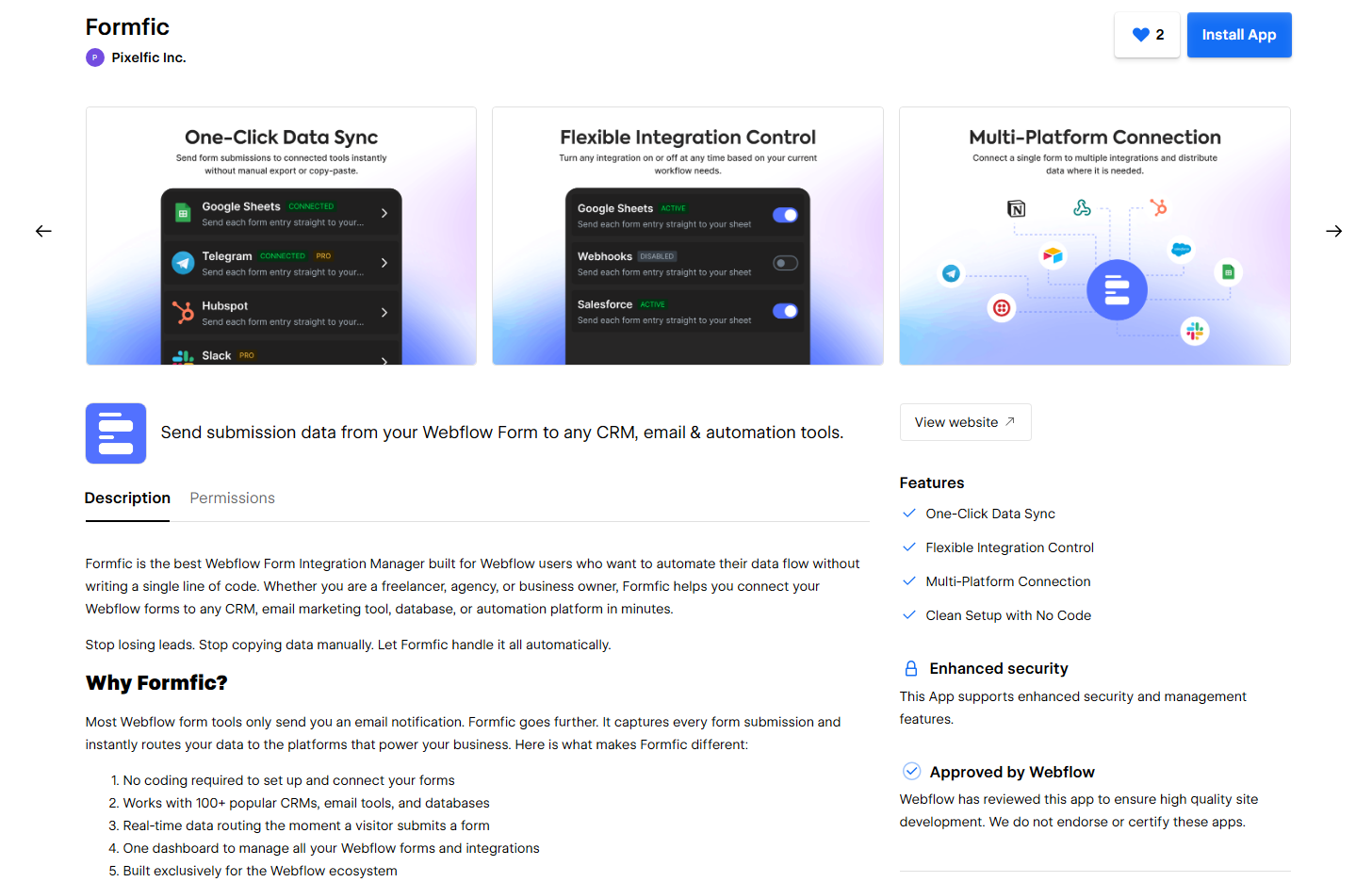
Best for: Getting Webflow form submissions into CRMs, spreadsheets, and messaging tools without lifting a finger after setup.
Formfic is purpose-built for one job: form automation on Webflow. Rather than manually pulling exports or building a custom backend, Formfic captures every submission the moment it happens and routes it straight to whichever platform you choose. It currently connects to more than 15 tools, including Airtable, Google Sheets, Notion, Mailchimp, Slack, Telegram, HubSpot, Salesforce, Zoho CRM, ClickUp, FluentCRM, AWeber, Twilio, Pabbly, Zapier, and any custom webhook.
What earns Formfic the top spot:
- Visual field mapping: line up each Webflow form field with its counterpart in the destination tool, no code required.
- Webhook support: push data into anything that accepts a webhook, including internal tools and custom-built automations.
- Free integrations included: platforms like Slack, Airtable, Google Sheets, Notion, Mailchimp, Pabbly, Telegram, and Zoho CRM are usable on the free tier.
- Built-in Zapier and Pabbly connections: reach thousands of additional apps without any extra development work.
- Privacy-conscious by design: GDPR compliant handling means you decide exactly where submitted data is stored and processed.
- Zero design footprint: Formfic runs on top of your existing Webflow forms and never touches your layout or styling.
- Agency-ready: configure form automation once per client project instead of rebuilding a custom integration for every new site.
Setting it up, step by step:
- Install Formfic through the Webflow App Store and connect it to your project.
- Pick the specific Webflow form you want to automate.
- Choose where the data should land, such as Airtable or Slack.
- Map each form field to its matching field on the destination side.
- Turn the connection on. From that point forward, every submission routes itself.
Who should use it: Webflow freelancers, agencies, and marketing teams who want their form data landing in the right tool within minutes, with no developer involved and nothing custom to maintain.
Pricing: Formfic is free to get started with select integrations. Paid tiers begin at $4.99/month, with $49.99/year on the annual plan and a $99.99 one-time lifetime option, each unlocking full features, unlimited usage, and priority support.
What separates Formfic from every other tool on this list is focus. It handles form automation completely on its own, so you never have to learn a sprawling, general-purpose automation platform just to get a contact form talking to Slack.
2. Zapier – Best for Linking Webflow to Thousands of Other Apps
Best for: Teams that need Webflow talking to nearly any outside tool, well beyond just form data.
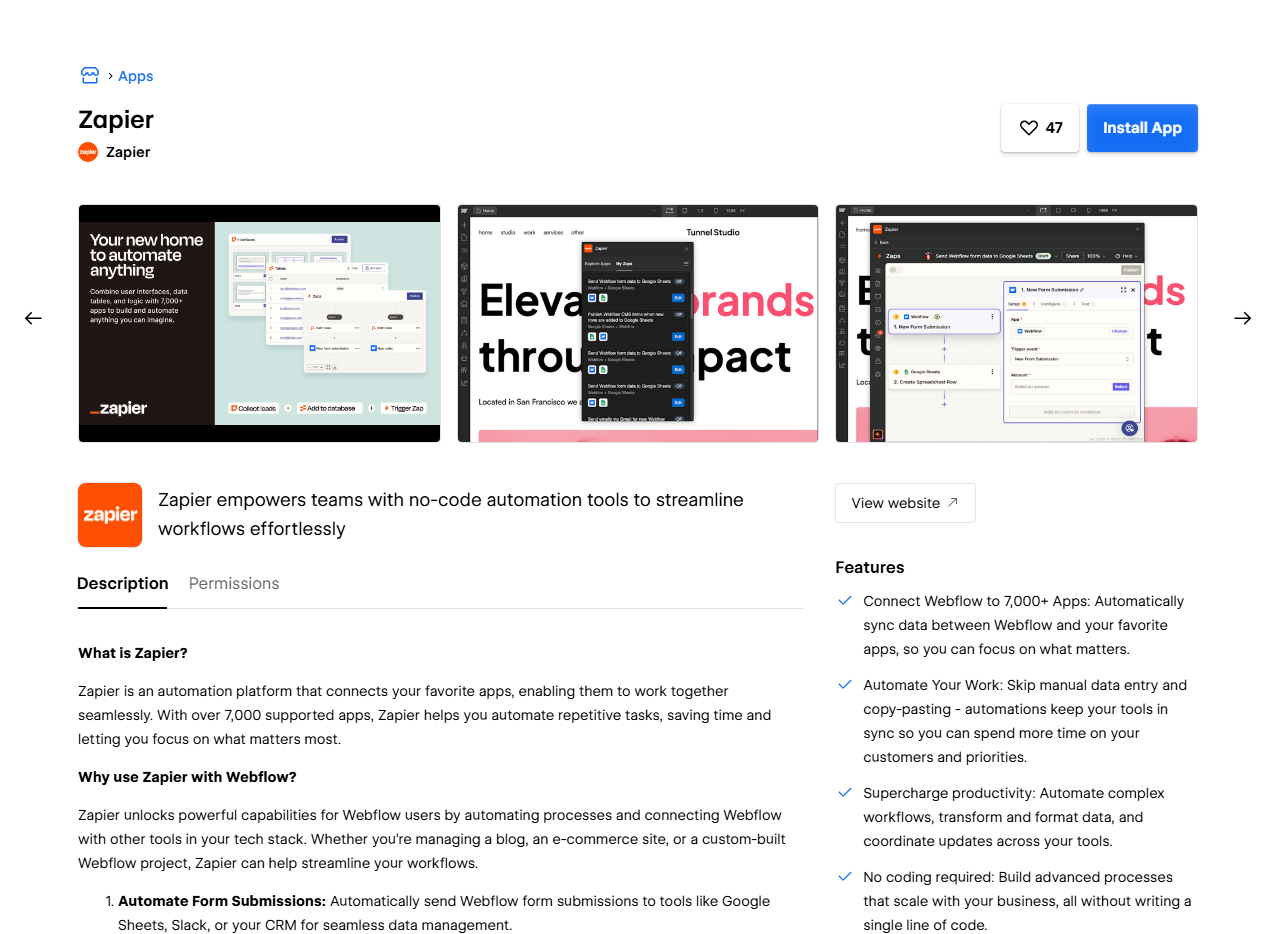
Zapier has stayed a go-to automation platform for Webflow because it links to thousands of apps through simple trigger-and-action sequences, known as Zaps. It is a common choice for pushing form submissions into Slack, Google Sheets, or task management tools, and it can also chain several actions together from one trigger, like adding a contact to a CRM, firing off a welcome email, and creating a follow-up task all at once.
Where it shines: an enormous library of connected apps, quick setup for basic automations, and documentation and community support that make troubleshooting easier.
Where it falls short: pricing scales up fast as task volume grows, and multi-step Zaps take noticeably longer to build and test than a dedicated form tool like Formfic.
Who should use it: Teams that already need Webflow connected to several tools outside of forms, or that want one central hub for automation across their whole toolkit.
3. Make (formerly Integromat) — Best for Advanced, Multi-Step Workflows
Best for: Designing visual, branching automations with more precision than Zapier typically allows.
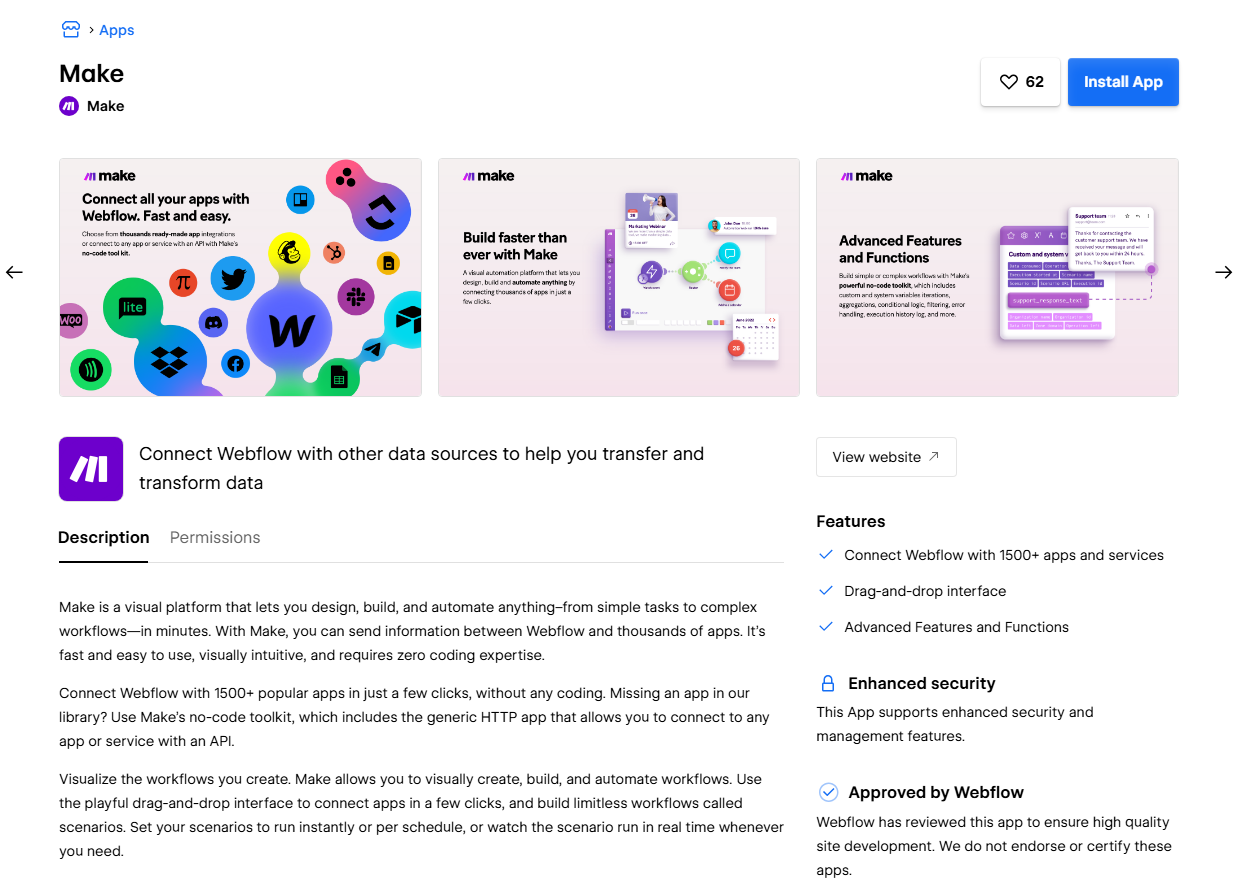
Make hands Webflow users a visual workspace for building automations that include conditional logic, loops, filters, and multiple branching paths. Instead of a single linear trigger-to-action flow, Make can route a workflow differently depending on the incoming data, such as sending a lead to a different sales rep based on region or budget size.
Where it shines: a flexible, visual builder, a solid free tier for smaller workflows, and fine-grained control over how data transforms at each step.
Where it falls short: the interface has a real learning curve, so it tends to suit technical users or agencies handling automation across multiple client sites rather than someone who just wants a quick, one-off setup.
Who should use it: Agencies and technical teams that need custom, conditional logic running across several Webflow client projects.
4. HubSpot – Best for CRM and Lead Automation
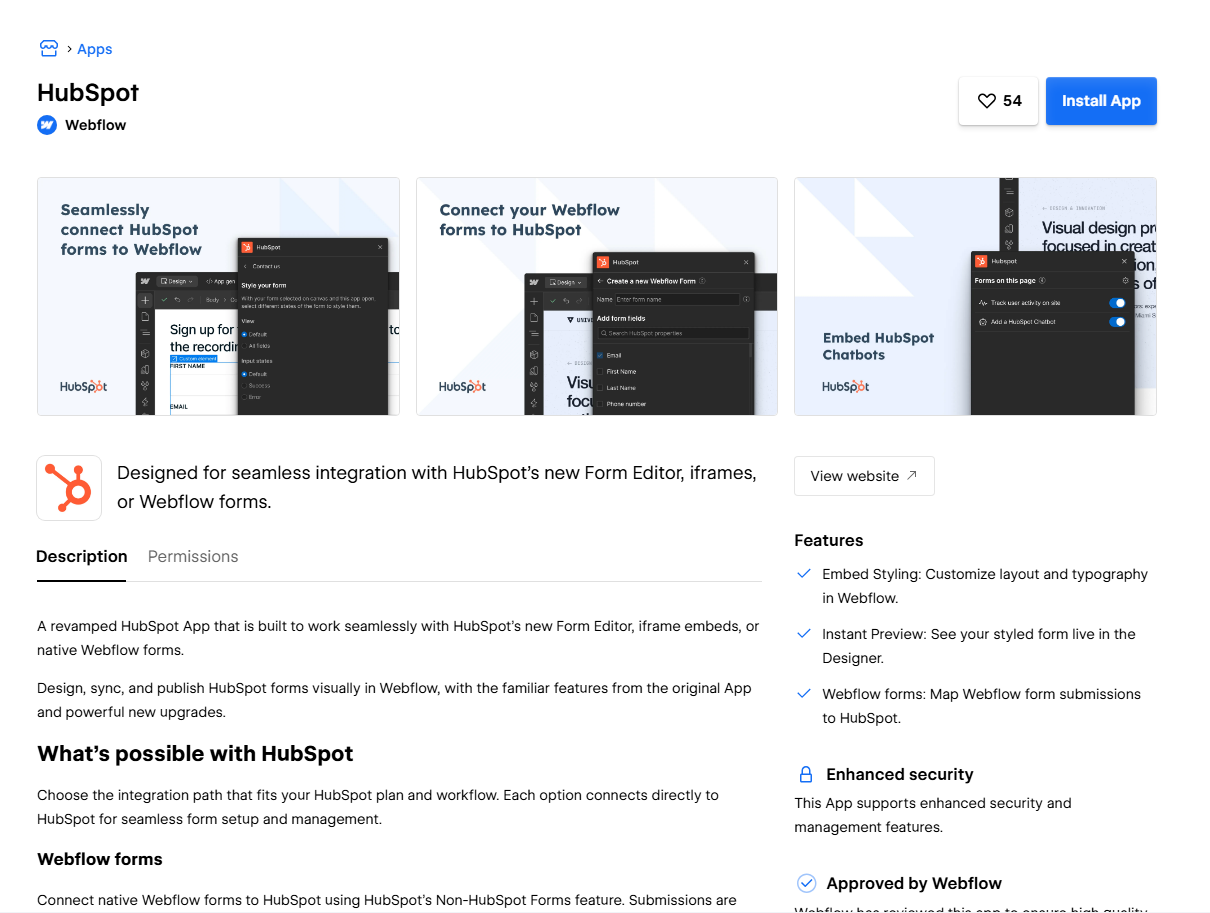
Best for: Companies that want every Webflow lead flowing directly into a full CRM and marketing system.
HubSpot connects natively with Webflow to keep contact records centralized, track where each lead sits in the funnel, and trigger marketing or sales sequences the moment a form comes in. It is frequently the final stop for data coming from other automation tools, including Formfic and Zapier, since HubSpot manages what happens to a lead after capture rather than the capture step itself.
Where it shines: a complete CRM, marketing, and sales automation platform in one, with strong lifecycle tracking, email sequencing, and pipeline visibility.
Where it falls short: costs rise sharply once you move past the free tier, and it can be far more platform than a smaller site needs if simple form routing was the only goal.
Who should use it: Businesses running a genuine sales pipeline that need Webflow-captured leads to move automatically through nurture and sales stages.
5. Webflow Logic – Best Native, No-Extra-App Option
Best for: Lightweight, in-platform automations that do not require installing anything new.
Webflow’s built-in Logic feature enables conditional workflows, such as triggering a confirmation email or updating CMS content after a form submission, directly inside Webflow, with no third-party app involved. It is more limited than dedicated automation tools but works well as a starting point for simple needs.
Where it shines: nothing extra to install or pay for, tight integration with Webflow’s native forms and CMS, and a setup simple enough for non-technical users.
Where it falls short: fewer destination integrations and less overall flexibility than Formfic, Zapier, or Make, which makes it better suited to single-step automations than full multi-platform workflows.
Who should use it: Site owners with a narrow need, like a single confirmation email, who would rather not manage another app or subscription.
6. Pabbly Connect – Best Budget-Friendly Automation Tool
Best for: Getting Zapier-style automation without the Zapier-style price tag.
Pabbly Connect delivers workflow automation similar to Zapier and Make, at pricing that suits freelancers and small businesses watching their budget closely. Formfic already supports sending data straight to Pabbly, so the two work well together, letting you handle form capture through Formfic and build broader workflows in Pabbly without paying for two premium platforms.
Where it shines: budget-friendly pricing, a growing library of app connections, and reliable performance for straightforward form-to-app routing.
Where it falls short: a smaller ecosystem and community than Zapier’s, so more niche integrations may not be supported yet.
Who should use it: Freelancers and small businesses wanting solid automation coverage without Zapier or Make’s higher monthly costs.
7. Jetboost – Best for On-Site Interactive Automation
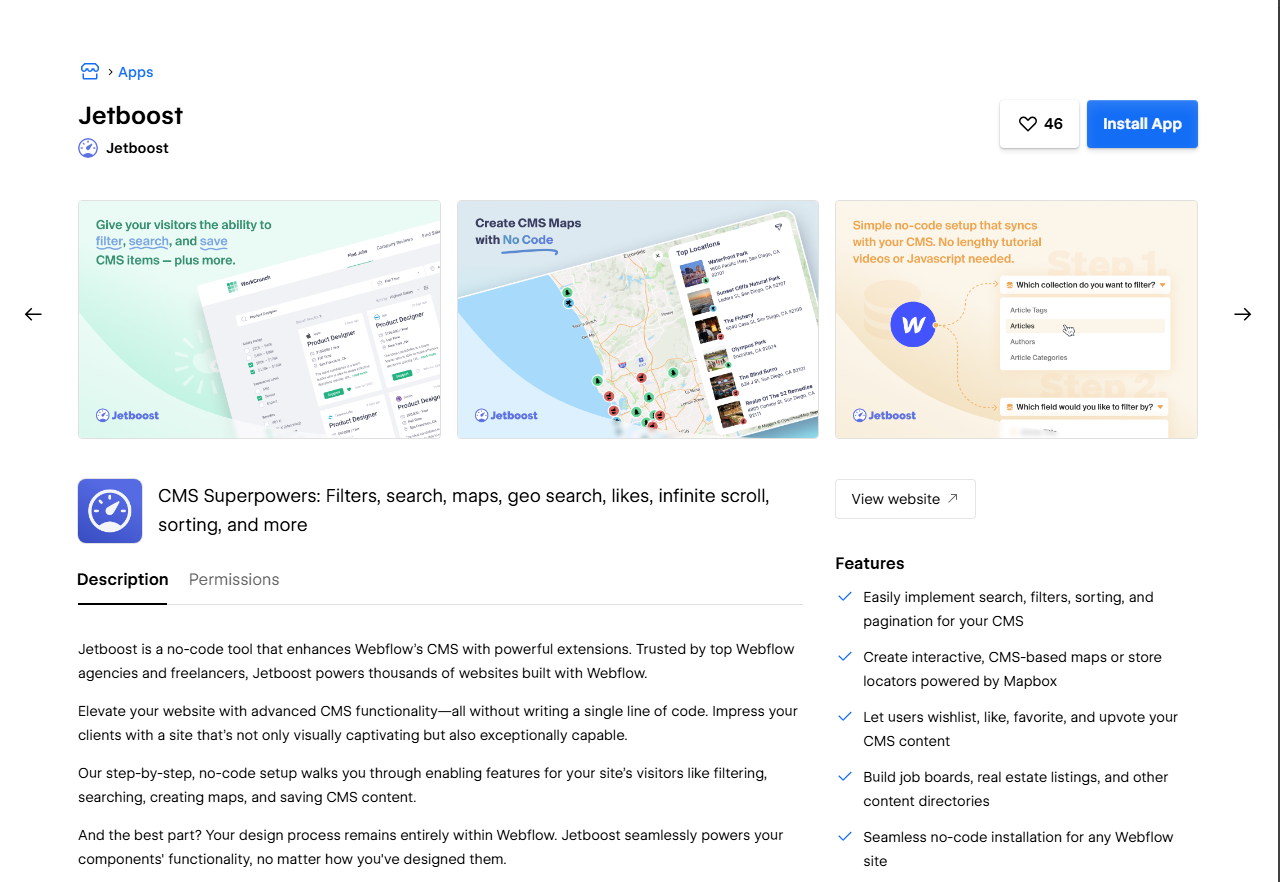
Best for: Automating filtering, search, and dynamic behavior directly within your Webflow site.
Jetboost is not built for routing form data, but it automates functionality on the site itself, things like live filtering, wishlists, favorites, and dynamic search, all without custom code. It pairs naturally with form and CRM automation tools by handling the on-page experience instead of the backend data flow, making it a strong companion to Formfic on content-heavy or e-commerce-style sites.
Where it shines: simple no-code setup for on-site interactivity, solid compatibility with Webflow’s native CMS collections, and a real improvement to user experience without hurting site speed.
Where it falls short: it stays focused on front-end interactivity, so it is not a substitute for backend automation like form or CRM routing.
Who should use it: Sites built around directories, job boards, portfolios, or product catalogs that need dynamic filtering and search without hiring a developer.
8. Wized – Best for Custom, Developer-Grade Automation
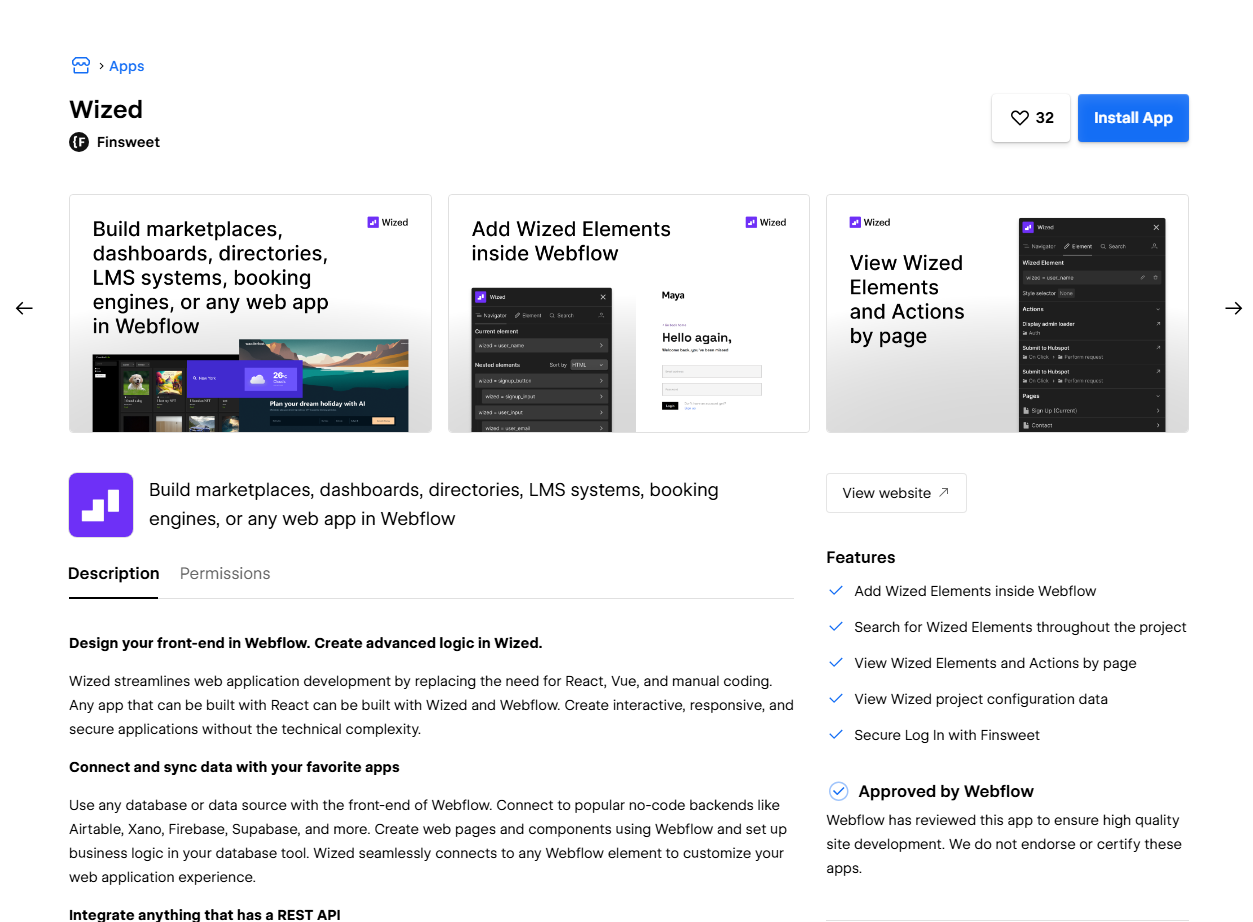
Best for: Agencies and developers needing advanced, fully custom automation logic layered on top of Webflow.
Wized connects Webflow directly to external APIs and databases, giving developers the ability to build custom logic, authentication flows, and dynamic automations that go beyond what no-code tools typically support. It is the most technical option on this list by a wide margin, which makes it a fit for teams building complex web applications on Webflow, such as dashboards, gated member portals, or custom booking systems, rather than teams that only need standard form or CRM automation.
Where it shines: deep customization, direct API-level control, and the ability to create genuinely custom web app functionality on top of Webflow’s design layer.
Where it falls short: it demands development skill and ongoing upkeep, so it is not a plug-and-play tool like Formfic, and it is more firepower than most teams need just for form automation.
Who should use it: Agencies and developers building custom, app-like functionality on Webflow that no off-the-shelf app can deliver.
Picking the Right Automation App for Your Webflow Site
The right choice depends on the actual problem in front of you, not whichever tool has the loudest marketing. A few common scenarios to match against:
- If form data landing in the right place is your main pain point, start with Formfic. It is built exactly for this and already connects to the tools most Webflow owners are using, without the setup overhead of a general automation platform.
- If Webflow needs to talk to a wide range of apps beyond forms, layer Zapier or Make on top of Formfic to combine dedicated form handling with broader workflow reach.
- If you are managing a real sales pipeline, connect Formfic or Zapier into HubSpot or Salesforce so captured leads move automatically through nurture and sales stages.
- If budget is a real constraint, pair Formfic’s free integrations with Pabbly Connect for solid coverage at a low monthly cost.
- If you need custom, developer-level automation logic, Wized is the better fit, particularly for agencies building web apps rather than marketing sites.
- If your site depends on filtering, search, or dynamic content, add Jetboost alongside your form and CRM tools to cover the on-page side too.
Most serious Webflow teams do not settle on a single app, and they should not try to. A typical 2026 stack looks like Formfic handling form routing, Zapier or Pabbly covering broader automation needs, and HubSpot or another CRM sitting at the end as the final destination for leads. Stacking tools this way, instead of forcing one platform to do everything, is usually both cheaper and easier to keep running.
Mistakes That Quietly Break Webflow Automations
Even with the right apps in place, a handful of recurring mistakes cause automations to fail without anyone noticing, sometimes for weeks, until a lead turns up missing.
- Skipping a full end-to-end test. Always submit a real test entry after setup and confirm it shows up correctly in the destination platform, with every field mapped properly.
- Leaving field mapping unverified. A single mismatched field, such as an email landing in a name field, can quietly break whatever downstream automation, like an email sequence, depends on it.
- Depending on one single point of failure. A lone Zap or webhook with zero monitoring can fail silently. Tools like Formfic that show clear delivery status make problems far easier to spot early.
- Adding too many tools too soon. Installing five automation apps before a single workflow is fully tested and working usually creates more maintenance headaches than it solves. Start with one reliable tool, like Formfic, and expand only when a real need shows up.
- Overlooking data privacy requirements. Any personal data collected through Webflow forms needs to be handled properly by whatever automation tool receives it, including where that data is stored and processed under relevant privacy regulations.
Final Thoughts
Automation is the difference between a Webflow site that just looks good and one that actually runs part of your business. Formfic solves the most urgent piece of that puzzle, getting form data where it needs to go the instant it comes in, while Zapier, Make, HubSpot, Webflow Logic, Pabbly Connect, Jetboost, and Wized fill in the rest of the picture, from broader workflows and CRM syncing to on-site interactivity and custom development.
For most Webflow owners, the smartest path forward is starting with Formfic, confirming it is fully tested and working end-to-end, and only adding a broader tool like Zapier or Pabbly Connect once a specific need for it actually appears. That approach keeps your automation setup lean and far less likely to fail quietly, while still leaving room to grow into more advanced tools like HubSpot or Wized as the project scales.
Help us grow by sharing this Post!