Every WordPress site owner knows the routine. A form entry comes in, and someone copies it into a spreadsheet. A post goes live, and someone shares it on four social networks. A booking arrives, and someone sends the confirmation by hand. None of this work grows your business, but all of it consumes your week.
WordPress automation plugins take these jobs off your plate. They connect your site to the tools you already use, watch for events, and run the follow-up actions in the background.
For this guide, we installed and tested each plugin on a live test site to see how the setup, workflow builders, and logs actually behave. Below are the 9 automation plugins that performed best in 2026, covering WordPress to SaaS integrations, bookings, social publishing, SEO, email marketing, translation, and WooCommerce follow-ups.
TL;DR
Short on time? Here is the whole article in 30 seconds:
- Best overall for WordPress-to-app integration: Bit Integrations (extensive integrations, unlimited tasks, from $35/year)
- Best for booking businesses: Tourfic (hotels, tours, apartments, car rentals, from $79/year)
- Best for social media publishing: Bit Social (auto-post to Facebook, X, LinkedIn, Instagram, Pinterest, Telegram)
- Best for Zoho users: Zoho Flow (1,000+ apps, from ~$29/month)
- Best for niche app coverage: Zapier (9,000+ apps, but per-task pricing adds up, from $49/month)
- Best for SEO automation: Rank Math (sitemaps, schema, and meta tags on autopilot, free tier is generous)
- Best for Mailchimp stores: Mailchimp for WooCommerce (official, free, syncs store data for automated campaigns)
- Best for multilingual sites: TranslatePress (automatic full-site translation via Google Translate or DeepL, from ~€99/year)
- Best for WooCommerce follow-ups: FunnelKit Automations (abandoned carts, post-purchase emails, from $99.50/year)
The one-line rule for choosing: if your workflows start inside WordPress, pick a self-hosted plugin with flat pricing; if they start in external apps, use a cloud platform like Zapier or Zoho Flow. Every plugin here has a free version or trial, so start with the workflow that wastes the most of your week.
How did we evaluate these plugins?
We tested every plugin on a staging site running WordPress 7.0.2 with WooCommerce 10.9.4.
For each one, we measured how long a first working automation took to build, checked how failures appear in the logs, and noted which features sit behind the paywall.
Screenshots throughout this article come from the plugins’ official WordPress.org listings and our own test dashboards.
Quick Comparison – Best WordPress Automation Plugins
Here is how the 9 plugins stack up at a glance, with each one’s specialty, whether a free version exists, and the entry price, so you can shortlist the right tool before reading the full reviews.
| Plugin | Best for | Free version | Starting price |
| Tourfic | Booking automation | Yes | $79/year |
| Bit Integrations | WordPress to SaaS automation | Yes | $35/year |
| Bit Social | Social media automation | Yes | $49/year |
| Zoho Flow | Cross-app business workflows | Trial | $29/month for 5k tasks |
| Zapier for WordPress | Cloud-based multi-app automation | Yes | $49/month for 2k tasks |
| Rank Math SEO | SEO automation | Yes | €7.99/month |
| MailChimp for WordPress | Email marketing automation | Yes | The plugin is free |
| TranslatePress | Multilingual automation | Yes | €99/year |
| FunnelKit Automations | WooCommerce follow-ups | Yes | $99.5/year |
9 Best WordPress Automation Plugins in 2026
1. Tourfic: Booking automation
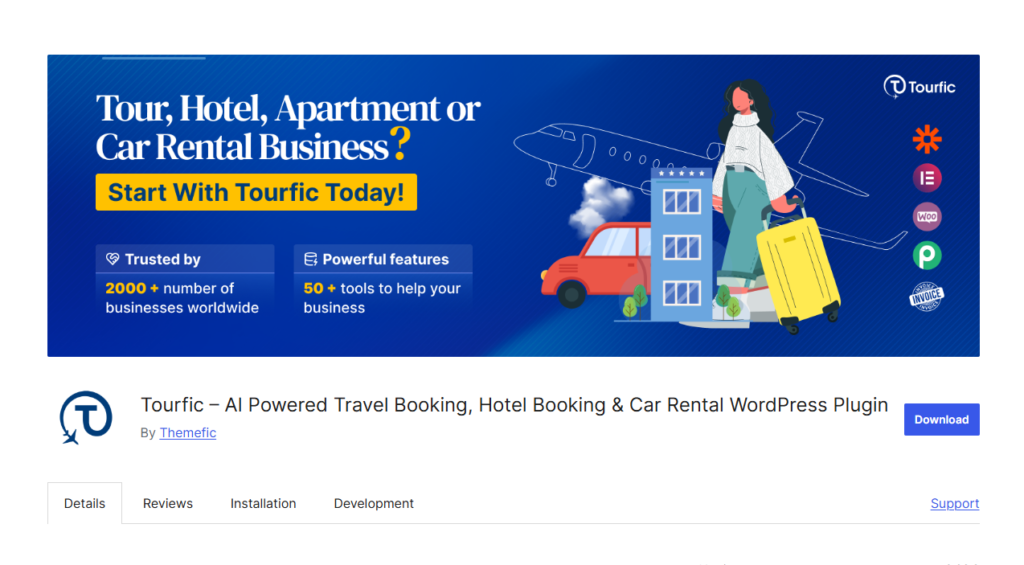
Tourfic is a booking automation plugin for hotels, tours, apartments, and car rentals. It automates the reservation lifecycle from availability checks and dynamic pricing through payment processing and confirmation emails, and its listing notes that it is trusted by more than 2,000 businesses.
Once configured, guests search availability, book, and pay online while the plugin updates calendars, prevents double bookings, and notifies both the customer and the admin.
Key features
- Automated booking management for hotels, tours, apartments, and car rentals
- Dynamic pricing based on seasons and availability
- WooCommerce-powered payment automation with multiple gateways
- Automatic email notifications with a built-in template builder
- Real-time availability calendars to prevent double bookings
- Multi-currency and multilingual support
- Frontend dashboard and booking history for customers
- Multivendor marketplace support for travel agencies
Pros
- Covers multiple booking types in one plugin
- Ships with a free dedicated theme (Travelfic)
- Strong documentation and support
- Map-based advanced search
Cons
- The free version includes a limited set of design templates, so expect to customize or upgrade
- Some capabilities, such as certain payment and marketplace options, require premium add-ons on top of the base license
Pricing: Free version available. Premium starts at $79/year.
Best for: Hotels, tour operators, rental businesses, and travel agencies that want reservations, payments, and guest communication handled automatically.
Verdict: For businesses that run on bookings, Tourfic replaces the busywork that would otherwise need a receptionist. Just budget for addons if your setup is complex.
2. Bit Integrations: WordPress to SaaS automation
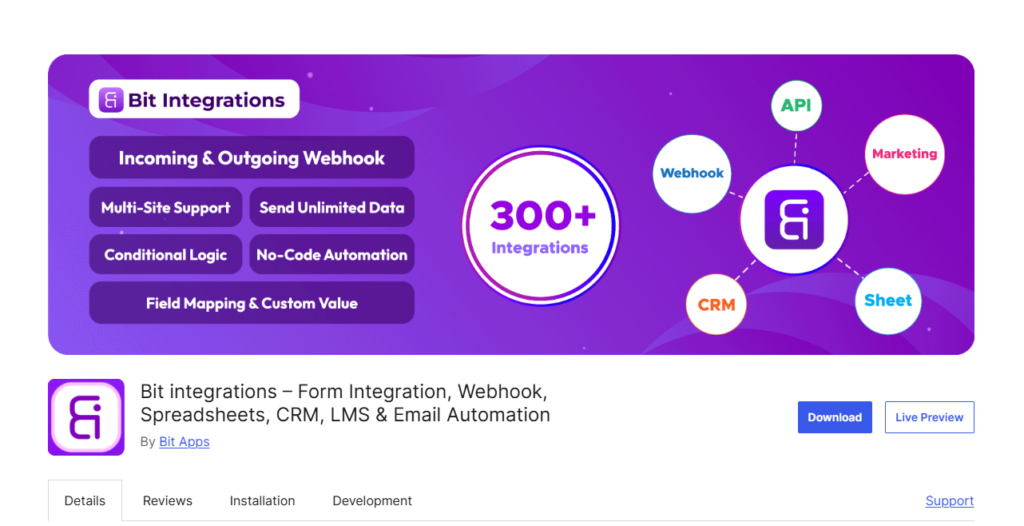
Bit Integrations is a no-code automation plugin that connects your WordPress site to external platforms, including CRMs, email marketing tools, Google Sheets, messaging apps, and payment gateways.
Its defining trait is the unlimited task model. Cloud automation services charge per task; Bit Integrations runs entirely on your own server, so form entries, WooCommerce orders, LMS events, and membership data flow to external tools with no volume limits.
You pick a trigger, choose an action, map the fields, and the workflow runs in real time.
Key features
- Extensive integrations library, including HubSpot, Zoho CRM, Salesforce, Mailchimp, Google Sheets, Slack, and Telegram
- Unlimited data transfer with no task limits
- Conditional logic to run workflows only when specific criteria are met
- Tag-based CRM integration with extra utilities
- Incoming and outgoing webhooks for custom app connections
- Custom triggers and actions using do_action hooks
- Visual field mapping with custom values
- WordPress Multisite support
- Detailed automation logs for debugging
- Local data processing, which keeps records on your own server
Pros
- No per-task fees, which makes it far cheaper than cloud platforms at high volume
- Beginner-friendly as well as budget-friendly
- Data stays on your server rather than a third-party cloud
- Lifetime license option available
Cons
- Triggers must originate from WordPress; it cannot start a workflow from an external app, the way a cloud platform can
- Several popular integrations sit in the Pro version, so budget for the paid plan if your stack goes beyond the basics
Pricing: Free version on WordPress.org. Pro starts at $36/year for a single site, with lifetime plans available at $99 only.
Best for: Businesses, agencies, and eCommerce store owners whose workflows begin inside WordPress and who want flat, predictable pricing.
Verdict: If your automations start with a WordPress event, this plugin covers nearly every destination you will need, at a price that does not grow with your traffic.
3. Bit Social: Social media automation
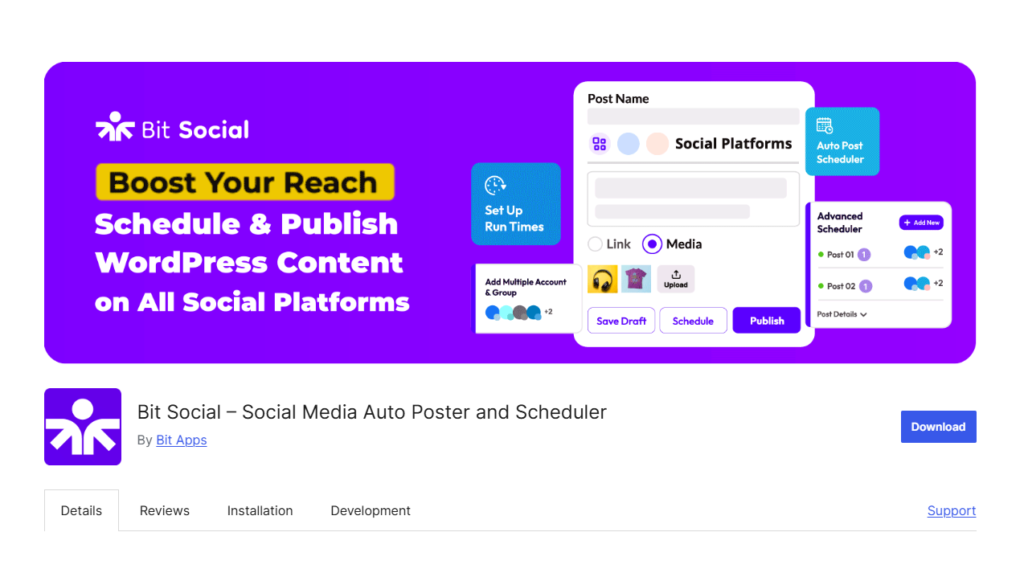
Bit Social auto-publishes and schedules WordPress content across Facebook, LinkedIn, X (Twitter), Google My Business, Tumblr, Pinterest, Discord, Instagram, TikTok, Blusky, Line, Telegram, and Threads.
Rather than sharing every new post by hand, you connect your accounts once. New content goes out the moment it publishes, or on a schedule you define, and older evergreen posts can be recycled automatically to keep profiles active.
Key features
- Auto-publish new WordPress posts to multiple social networks
- Advanced scheduling with custom posting times
- Customizable post templates with dynamic tags (title, excerpt, link, hashtags)
- Content re-sharing for evergreen posts
- Multiple accounts per platform
- Sharing logs and status reports
- Conditional sharing rules by category or post type
Pros
- Publish once in WordPress, and every connected profile updates
- Runs from your own dashboard with no third-party subscription
- Lifetime license option available
Cons
- Publishing only; there is no social listening, comment management, or unified inbox
- Social platform API changes occasionally force you to reconnect accounts, which is true of every tool in this category, but still worth knowing
Pricing: Free version available. Pro plans include annual and lifetime options available at $89 only.
Best for: Bloggers, publishers, and marketing teams that want a consistent social presence without manual posting.
Verdict: A solid answer to the most repetitive job in content marketing. If you also need engagement tools, pair them with a dedicated inbox product.
4. Cross-app business workflows
Zoho Flow is a cloud integration platform that connects WordPress with more than 1,000 business apps, with especially deep coverage of the Zoho ecosystem (Zoho CRM, Zoho Books, Zoho Desk, and others).
Its WordPress connection triggers flows from new posts, users, or comments, and pushes that data into your business apps through a drag-and-drop builder that supports multi-step logic, decision branches, and delays.
Key features
- 1,000+ app integrations, including the full Zoho suite
- Visual drag-and-drop flow builder
- Multi-step workflows with branching, delays, and custom functions
- Webhooks and API support for custom connections
- Centralized dashboard with flow history and error tracking
Pros
- The natural choice if your business already runs on Zoho apps
- logic options, including decisions, loops, and custom Deluge scripting
- Team collaboration on shared flows
Cons
- Task-based pricing means heavy usage raises your bill
- WordPress trigger coverage is thinner than what native WordPress plugins offer
Pricing: Paid plans start at around $29/month for 5k tasks, with a free trial.
Best for: Zoho-centric businesses that need WordPress data flowing into their CRM, accounting, and support tools.
Verdict: Excellent inside the Zoho ecosystem, average outside it. Teams not using Zoho products will find better value elsewhere on this list.
5. Zapier for WordPress: Cloud-based multi-app
Zapier is the most widely known automation platform, and its directory now advertises more than 9,000 connected apps. Through the WordPress integration, you create Zaps that trigger from WordPress events (new post, new user, new comment) or push data into WordPress from other apps.
Its strength is reach. If an app exists, Zapier probably connects to it, which makes it a reliable fallback for unusual tool stacks.
Key features
- 9,000+ app integrations, the largest ecosystem available
- Multi-step Zaps with filters, paths, and formatters
- AI-powered workflow building and AI steps within Zaps
- Two-way WordPress integration (WordPress as trigger or action)
- Scheduling, delays, and error notifications
Pros
- Unmatched app coverage
- No coding required and very beginner-friendly
- Reliable cloud infrastructure with detailed task history
Cons
- Per-task pricing gets expensive at scale; the free plan caps you at 100 tasks a month
- Your data passes through a third-party cloud
- At the time of writing, the official WordPress.org plugin carries a notice that it has not been tested with the latest three major WordPress releases, so verify compatibility with your setup before relying on it
Pricing: Free plan available with limited tasks. Paid plans start at $49/month for 2k tasks.
Best for: Site owners who need to connect WordPress to niche apps that native plugins do not support.
Verdict: The universal adapter of the automation world. Use it for its enormous app library, but watch your task count and check the plugin’s compatibility status first.
6. Rank Math SEO: SEO automation
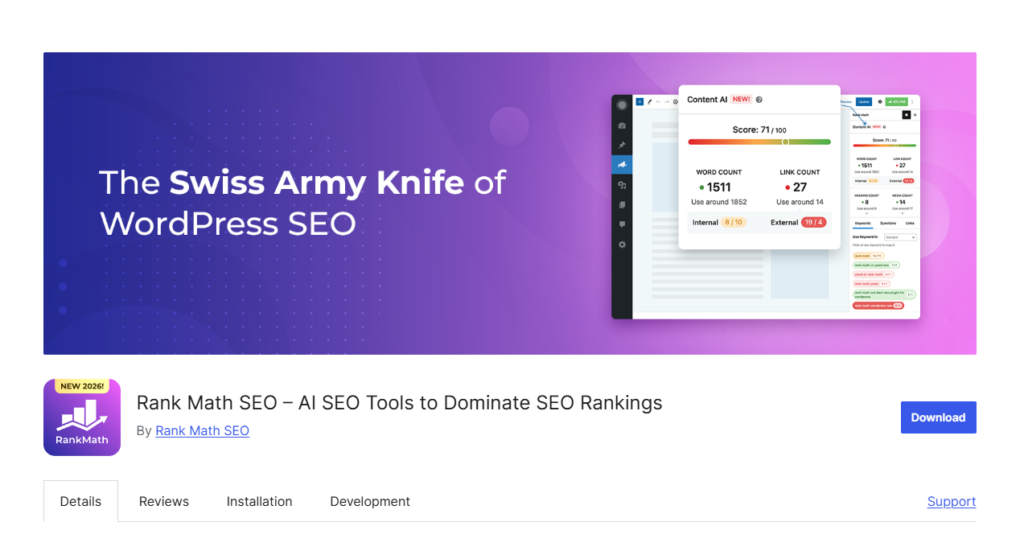
Rank Math automates the technical and repetitive parts of search engine optimization. Rather than manually adding schema, building sitemaps, or writing meta tags for every post, you configure it once, and it handles them in the background.
Its Content AI features go further in 2026, generating meta descriptions, suggesting internal links, and scoring content against target keywords as you write.
Key features
- Automated XML sitemaps and instant search engine indexing
- Automatic schema markup (article, product, FAQ, review, and more)
- Content AI for automated meta tags, outlines, and keyword suggestions
- Automated image SEO (alt and title attributes)
- Internal link suggestions while writing
- Automated redirections and 404 monitoring
- Rank tracking and Google Search Console integration
Pros
- Replaces multiple separate SEO tools
- Generous free version
- Lightweight and performance-focused
Cons
- The sheer number of settings can overwhelm beginners; plan an hour for the setup wizard
- Keyword rank tracking and the advanced analytics reports sit in the Pro plan, so free users still need a separate tool to monitor search performance
Pricing: Free version available. Pro is $6.99/month billed annually ($83.88/year) for unlimited personal sites.
Best for: Bloggers, businesses, and agencies that want search optimization running in the background.
Verdict: The most automation-focused SEO plugin for WordPress. The free tier alone covers what most small sites need.
7. MailChimp for WooCommerce: Email marketing automation

Mailchimp for WooCommerce is the official integration built by Mailchimp itself. It syncs your store’s customers, orders, products, and carts to your Mailchimp audience, giving Mailchimp’s automation engine the purchase data it needs to run targeted campaigns.
Once the sync is running, Mailchimp takes over with abandoned cart emails, product recommendations, win-back campaigns, and behavior-based segmentation, all driven automatically by what customers browse and buy.
Key features
- Automatic sync of customers, orders, products, and cart data to Mailchimp
- Abandoned cart automation powered by real store activity
- Purchase-based segmentation and product recommendations
- Pop-up signup forms and subscription checkboxes at checkout
- Mailchimp promo codes generated and tracked from your store
- Revenue reporting inside Mailchimp for every campaign and automation
Pros
- Official plugin, free to install, and maintained by Mailchimp directly
- Deep eCommerce data sync with no premium plugin tier to buy
- Campaign revenue attribution shows what each email actually earns
Cons
- WooCommerce only; content sites and other store platforms cannot use it
- Locked to Mailchimp, and the most powerful automations depend on which Mailchimp plan you pay for
- Initial sync on large stores with long order histories can take a while
Pricing: The plugin is free. Mailchimp itself has free and paid plans, and features like advanced automation journeys require its paid tiers.
Best for: WooCommerce store owners committed to Mailchimp who want store data to drive their email marketing automatically.
Verdict: The most direct bridge between a WooCommerce store and Mailchimp. If your email platform might change later, consider a provider-agnostic alternative instead.
8. TranslatePress: Multilingual automation
TranslatePress automates website translation directly from the front end. Connect it to Google Translate or DeepL, and it translates your entire site, including pages, posts, WooCommerce products, and content output by other plugins.
You can then refine any machine translation manually in its visual editor, which shows translations in the context of the live page.
Key features
- Automatic full-site translation via Google Translate or DeepL
- Visual front-end translation editor
- Translates dynamic content, forms, and WooCommerce products
- Multilingual SEO with translated URLs, titles, and descriptions
- Automatic user language detection and redirection
- Translator user accounts for team workflows
Pros
- Machine translation with human editing layered on top
- SEO-friendly indexed translations
- Works with any theme or plugin
Cons
- Machine output still needs human review for anything customer-facing; budget editing time per language
- The free version includes just one extra language; multiple languages and DeepL support require paid plans
Pricing: Free version available with one extra language. Paid plans start at around €99/year.
Best for: Businesses expanding internationally that want translation handled as a setup task rather than an ongoing project.
Verdict: The fastest route to a multilingual WordPress site, provided you plan for a review pass on the machine translations.
9. FunnelKit Automations: WooCommerce follow-up automation
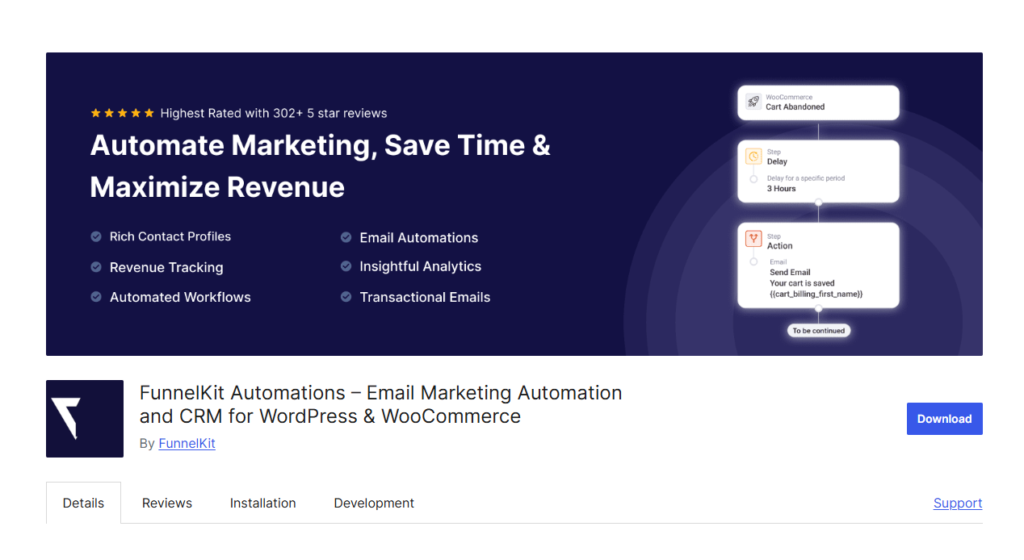
FunnelKit Automations (formerly Autonami) is a marketing automation engine built for WooCommerce, with more than 300 five-star reviews on WordPress.org. It runs email and SMS follow-ups triggered by store activity: abandoned carts, first purchases, win-back campaigns, and review requests.
Because it lives inside WordPress, it reads your order data directly, letting you segment customers by purchase history, order value, and products bought.
Key features
- Visual automation builder with pre-built WooCommerce recipes
- Abandoned cart recovery emails and SMS
- Post-purchase follow-ups, upsells, and review requests
- Customer segmentation by behavior and purchase data
- Built-in CRM with contact profiles and full activity history
- Broadcast campaigns and revenue analytics
Pros
- Purpose-built for WooCommerce with deep order data access
- Revenue tracking shows what each automation earns
- Replaces hosted tools like Klaviyo for many stores
Cons
- Of little use outside WooCommerce; content sites should look elsewhere
- Email delivery requires a separate SMTP or sending service, which is an extra setup step and often an extra cost
Pricing: Free version available. Paid plans start at $99.50/year.
Best for: WooCommerce store owners who want follow-ups that recover carts and drive repeat purchases.
Verdict: The closest thing to a self-hosted Klaviyo for WooCommerce. Stores with manual or nonexistent follow-up emails will see it pay for itself quickly.
Verdict: How to choose the right automation plugin
Ask yourself these five questions:
- Where do your workflows start? If triggers come from WordPress events (forms, orders, posts), Bit Integrations gives you unlimited tasks at a flat price. If triggers come from external apps, a cloud platform like Zapier or Zoho Flow fits better.
- What is your task volume? High-volume sites save significantly with self-hosted plugins that carry no per-task fees.
- What exactly needs automating? Match the tool to the job: Tourfic for bookings, Bit Social for social publishing, FunnelKit for WooCommerce emails, Rank Math for SEO.
- Where should your data live? Self-hosted plugins keep data on your server, which matters for GDPR and privacy-sensitive businesses. Cloud platforms process it externally.
- What is your budget horizon? If you plan to automate long-term, a lifetime license often beats years of subscriptions.
For most sites, the strongest setup is one general-purpose integration plugin plus one or two specialized tools for your niche, such as a booking or WooCommerce plugin.
Help us grow by sharing this Post!