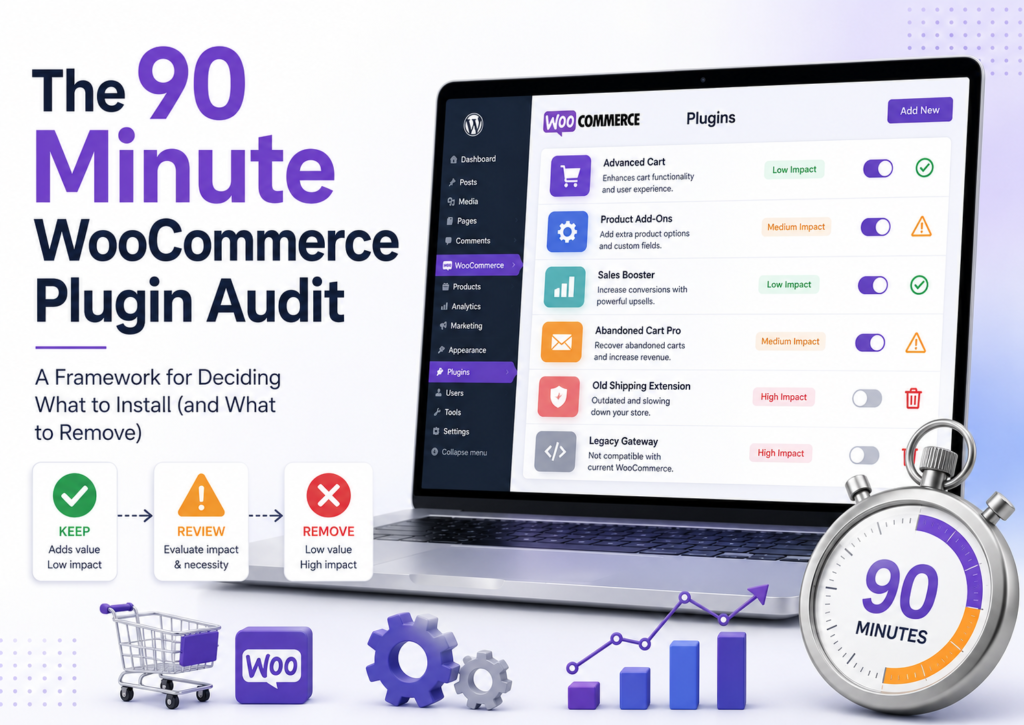
Store owners do not require a new list of plugins to look at. What they need is a framework to determine which plugins will be beneficial enough to justify investing time, money, and resources into.
In this article, you’ll learn how to perform an actual audit that a WooCommerce store owner can easily finish in about 90 minutes. It’s not about adding new stuff to your toolbox. It’s about trimming down to a streamlined system that most often involves some cutting as well as some adding. It’s not very glamorous, but it works much better than another “must have” post.
Why This Matters More in 2026
An average WooCommerce shop operates with about 20 to 40 plugins active on the platform. Many people can recall only half of them without doing any research at all. Other plugins were installed due to reasons valid in the past, provide an unknown amount of benefits, and create certain trouble, namely:
- Performance drag. All plugins increase the number of database queries, scripts, and CSS files. Having 30+ plugins on the shop leads to performance penalties that directly influence the conversion rate.
- Security surface area. Each installed plugin is a potential vulnerability. Plugins that haven’t been updated in a year or more are particularly risky, and most stores have at least two.
- Cognitive overhead. More plugins lead to more configuration settings, updates to control, compatibility issues to solve, etc.
When something does not work properly, the first reaction is to add some new plugin. Sometimes, it would be smarter to remove 3 existing ones instead.
The Five-Question Framework
For each of the plugins presently on your store, ask yourself these five questions. It takes you approximately two minutes per plugin. So, if you have 30 plugins on your site, that means an hour well spent – that’s how we get the 90-minute audit number.
1. What specific problem does this solve today?
Not what it potentially solves. What it is solving for you right now, in this very store. If you cannot describe it in one sentence, there is your answer. Answers such as “It helps with marketing” and “It does SEO things” are indicative of an inactive plugin.
2. When did you last verify it’s actually working?
If you don’t have an idea how long since you’ve checked it out, there’s a high chance something has gone wrong quietly. Plugins that stopped counting when you moved your Google Analytics, coupons that became expired but remain active, emails that stopped going out because of a mail server switch – these things happen all the time. Installation and forgetting is a costly business.
3. Would removing it be noticeable to customers or the business within 30 days?
If nothing will break and no one will notice the lack of the plugin, it doesn’t pay off its value. It is a rather unpleasant question to answer, but ask it nonetheless, especially if the plugins are paid.
4. Are you actually using the features you’re paying for?
Two typical scenarios here: stores are paying for premium functionality of plug-ins that are not used at all (the case with all-in-one plug-ins) and stores are using the functionality of free plug-ins that is supposed to be premium (promotion, analytics, email marketing). Both of them cost you money.
5. When was the plugin last updated by its developer?
Anything without an update in 12+ months is a security risk regardless of how well it currently works. Anything without an update in 24+ months should be removed today unless you have a specific reason to keep it.
What Usually Comes Out
After running this audit on plenty of stores, certain patterns keep appearing. These are the plugins that most often show up on the “remove” side:
The Analytics Zombie
A long time ago installed, tracking some metrics, but nobody looks at the dashboard anymore. Usually seen in old school Google Analytics set-ups, Facebook Pixel add-ons, and heat maps. If you have some kind of analytics that you aren’t using, you have to either start using them or uninstall them, there is no middle way.
The Promised Feature
Some kind of functionality added for a certain project (subscription launch, marketplace test, new payment system), which was never done or already scrapped. These accumulate quickly on sites that operate longer than 3+ years.
The Duplicate
Two plugins that overlap in functionality, a general and more narrow purpose add-on. Some of the most common duplicates include: SEO plugins, caching add-ons, both form builder and simple contact form add-ons.
The Free Overreach
A free plugin that does only 30% of your needs, and forces you to come up with workarounds to make do with what you have. Seen a lot with promotional tools, gift card add-ons, and marketing automation.
The Zombie Support
Updates were discontinued by the developer. Each passing month means additional security vulnerability. It may be possible to find a good maintained replacement and change out; sometimes a feature will simply have to be removed.
Where Stores Actually Have Gaps
Once the eliminations have been done, the audit will reveal a few actual gaps – categories where there is no plugin at all or one that isn’t doing its job properly. These are the categories where I regularly find actual gaps that need filling along with examples of good plugins for the job.
Analytics you’ll actually check
If you cannot tell me what your conversion rate, average order value, and biggest drop-off point are without having to go back and check, then you do not have functional analytics. The best way for WordPress to remedy this problem is by installing MonsterInsights, which imports all of your Google Analytics data to your WordPress dashboard.
Promotions beyond basic percentage discounts
WooCommerce’s native coupon system handles simple discounts. Anything more ambitious – BOGO deals, tiered offers, store credit, pre applied coupon links needs a proper coupons plugin. WooCommerce coupons plugin by webtoffee handles the range, and it’s a great advanced coupons alternative that covers all the necessary essentials
Product presentation that respects mobile
The default WooCommerce product variation dropdown menus are user-friendly on a desktop computer but not very friendly when viewed on mobile phones, which are now responsible for most of the traffic online. This is where the Variation Swatches for WooCommerce plugin steps in.
Product recommendations on the pages that matter
If your product pages don’t show related items, upsells, or “frequently bought together” suggestions, you’re leaving revenue on the table, the effect is measurable and consistent. Product Recommendations for WooCommerce handles 10+ recommendation types, and its free version covers the basics.
Social proof for stores without established brand recognition
If your brand has not established its reputation independently yet, it is useful to have customer action visible. TrustPulse shows live purchases and registrations, reducing the risk for customers when purchasing from an unfamiliar shop.
The gift card revenue channel most stores skip
This is the single most commonly missed revenue channel I encounter. Gift cards generate immediate cash and bring new buyers into your store at redemption. If you don’t sell them, you should try. The eCommerce Gift Cards plugin handles both digital and physical. The free version lets you create one gift card product with four templates; unlimited cards, 20+ templates, and full balance management require the premium version
Payment coverage matching your customer base
When the wrong combination of payment options is chosen, the customers will leave and not tell you why. This is especially important for websites that have customers from all around the world; it is better to use Mollie Payments for WooCommerce than to use several single-payment method plugins.
Cart recovery emails (still)
Cart recovery is the automation that offers the best ROI for most WooCommerce businesses, yet surprisingly a lot of them do not implement this solution. Email Marketing Automation features cart recovery automation, as well as other post-order and win-back automations. It is absolutely free to sign up and try out.
A checkout form that matches your actual business
If you’re asking for shipping details on digital-only orders, or collecting fields you never use, your checkout is longer than it needs to be. Checkout Field Editor for WooCommerce lets you customize fields with conditional logic — shipping fields only show when shipping is needed, region-specific fields only appear when relevant, and so on.
Consent management that’s actually compliant
If there is any doubt whether the cookie banner is in compliance, it is not. This is no time for improvisation. GDPR Cookie Consent Plugin is a Google certified consent management solution, This Cookie Compliance plugin covers baseline requirements for most stores.
Categories to Add Only If You Have the Specific Need
There are some plugins that are really useful but only under certain circumstances. You won’t find any use for such plugins in case your online store doesn’t require that particular function. Here are the areas where I commonly observe excessive installations, as well as the plugins you should consider using.
Multi-channel selling
Skip until you’re actually ready to sell on Google Shopping, Facebook, or similar channels. When you are, Product Feed for WooCommerce automates feed generation and syncing, with a free version that supports the core formats.
Multi-vendor marketplace
Applicable only when you intend to allow other people to sell on your platform. Dokan is the go-to option to convert your WooCommerce store into a complete marketplace platform with built-in vendor dashboards and commission withdrawal options.
Automated order documentation
Below a certain order volume, manual invoicing is fine. Above it, it becomes a real time drain. PDF invoices & Packing Slips for WooCommerce auto-generate branded documents at the point of order, with a free version covering core invoice generation.
Custom forms beyond a contact page
Basic customer communication can be accomplished through either a built-in form on the chosen theme or a plug-in that provides similar functionality. However, once you need something more elaborate, such as requesting quotes for expensive items or creating special forms, then a form builder should be installed. WPForms is a de facto standard in the case of WordPress. The free version of WPForms provides sufficient functionality to create simple forms and comes with a drag-and-drop interface that does not require coding expertise.
Cleaner order numbering
WooCommerce’s random order IDs are functional but hard to work with once you’re handling meaningful support volume. Sequential Order Numbers for WooCommerce replaces them with clean sequences, and a free version covers basic prefix and sequence settings.
Accessibility compliance
If your store operates in markets with active WCAG, ADA, or EAA enforcement, treat this as required rather than optional. WebYes Accessibility Tool addresses accessibility at the code level rather than through the overlay widgets that many advocates argue don’t actually solve the underlying issues. also offers a free Accessibility Checker Chrome Extension that lets you run instant WCAG-based accessibility tests on any webpage.
Bulk catalog management
It becomes handy only when you have more products than what can be edited from the admin panel. The Product Import Export for WooCommerce plugin is the best choice for all sorts of CSV/XML bulk uploads and exports, though the free version handles CSV only — XML requires the premium version.
The Real Payoff
The result of such an audit will be that the store will have fewer plugins, better performance, and knowledge about which features are essential for the business. There appears to be an interesting effect of temptation resistance – when you have an evaluation tool that shows the real performance of the plugins and what features they offer, you feel much less tempted to install more plugins. “Do I need this plug-in?” becomes a question that is easy to answer.
I can’t give you the exact number of plugins you should have, but my estimation would be somewhere from 12 to 15. What is crucial is that all of them serve their purpose and do it perfectly.
Conclusion
The purpose of this article isn’t to convince you to install anything specific. It’s to give you a lens for evaluating what you already have and what you might genuinely need. If you go through the audit and conclude your current stack is well-tuned, that’s a great outcome — you’ve confirmed something valuable. If you find three plugins to remove and one gap to fill, that’s also a great outcome, probably a better one.
The worst outcome is installing more plugins because someone put them on a list. That’s what most WooCommerce plugin advice encourages, and it’s why so many stores end up with bloated, slow, hard-to-maintain sites full of features they’re not actually using.
Do the audit. It’s 90 minutes. You’ll find something worth acting on.
Help us grow by sharing this Post!