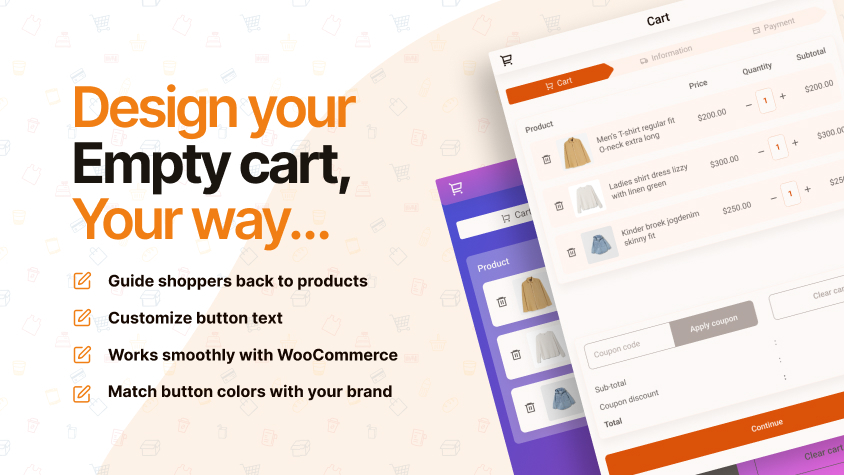
We’re excited to share that we have rolled out a exciting update in version 3.3.30 (February 08, 2026) that empowers you with complete control over the content and design of the empty cart page. This enhancement allows you to customize the page to better reflect your brand and engage your customers effectively.
You can now modify not only the text but also the visual layout and styling to create a more appealing shopping experience for your users. We believe this will greatly improve user interaction and satisfaction on your platform.
This new update significantly transforms the typical empty cart page into a more engaging and interactive experience, allowing you to provide guidance and maintain your brand presence, rather than leaving customers feeling like they’ve reached a dead end.
By doing so, you can enhance customer experience, encouraging them to continue shopping and explore your offerings. This approach not only retains their interest but also reinforces brand loyalty. Instead of a simple void, the empty cart can serve as a valuable touchpoint in the shopping journey.
What’s New in This Update
Empty Cart Content Customization
You now have the ability to personalize the text as well as the link that appears when a user’s shopping cart is empty, allowing for a more tailored shopping experience. This customization can help guide users back to desirable products or encourage them to continue browsing. By doing so, you can create a more engaging and user-friendly environment for your customers.
This improvement offers a great opportunity to enhance user interaction and potentially increase sales.
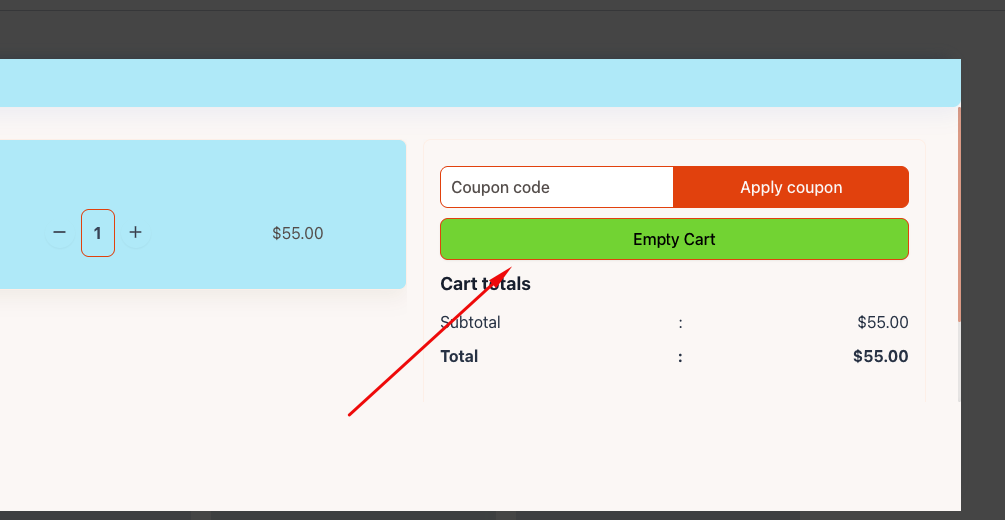
- Empty Cart Text – Change the main empty cart message.
- Cart Button Prefix Info – Add helpful text before the button.
- Button Text – Customize the call-to-action label.
- Button URL – Redirect users to any page instead of the default shop page.
Empty Cart Button Design Settings
You now have the ability to style the empty cart action button so that it seamlessly integrates with your website’s overall design aesthetic. This enhancement allows for a more cohesive user experience by ensuring that the button’s appearance aligns perfectly with the visual elements of your site.
Customizing this feature can help reinforce your brand identity and provide users with a more inviting and connected browsing experience. This is an excellent opportunity to improve the appeal of your online store.
Button Background Colors
- Set a Regular background color
- Set a Hover background color
Button Text Colors
- Set a Regular text color
- Set a Hover text color
These options allow you to maintain visual consistency and improve user interaction with clear hover effects.
Why This Update Matters
With this update you can now change the empty cart apperance and link to a custom page that highlights featured products or offers a special promotion. This enhancement aims to improve user engagement and encourage customers to explore more items while they shop.
This update includes:
- Guide users back to your products or services
- Maintain brand consistency
- Improve user engagement and usability
- Create a more polished shopping experience
With both content and design settings, you now have complete flexibility over how your empty cart page looks and behaves.
How to Access the Settings
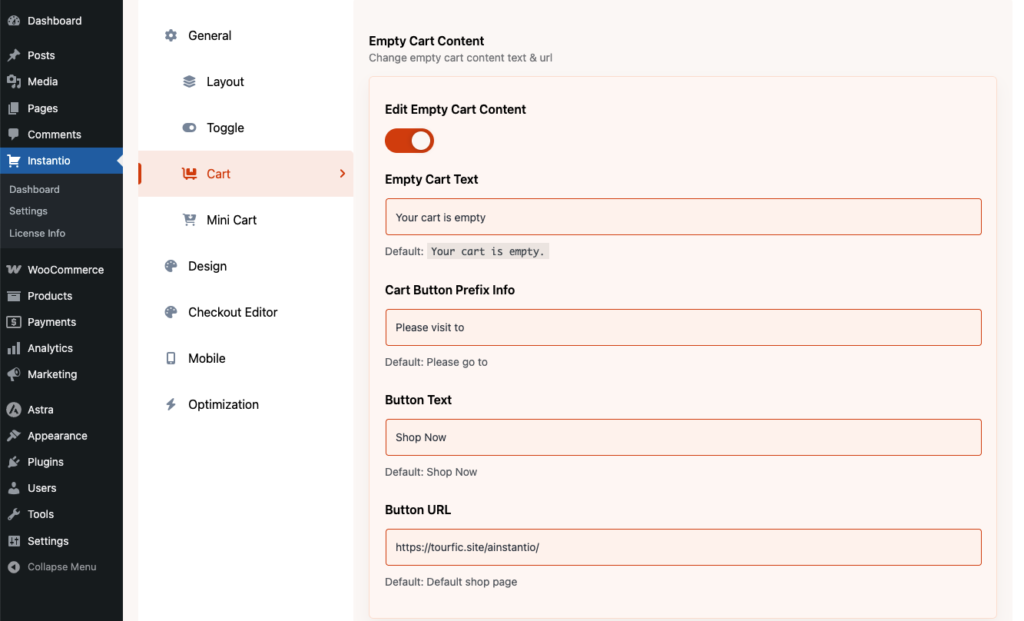
All available options can be found under the Empty Cart Content and Design Settings sections, providing you with a comprehensive range of customization features. You can easily update the text according to your preferences, select your desired color schemes, and once you’re satisfied with your choices, simply save the changes to finalize everything.
With this user-friendly process, you’ll have your cart tailored to your liking in no time, ensuring a cohesive look for your brand. So go ahead and take advantage of these settings to enhance the shopping experience for your customers.
Thank you for continuing to use our product and for your valuable feedback.
More improvements are on the way—stay tuned 🚀